Online résumé
Put your résumé online, at a link you can share
An online résumé is a web page version of your CV: your experience, education and skills at a public address you can share as one link. The Digital Profile turns your résumé into that page for free, keeps a downloadable file beside it, and lets you hide any detail you don't want public.
By Yuvraj Karna, founder of The Digital Profile · Updated
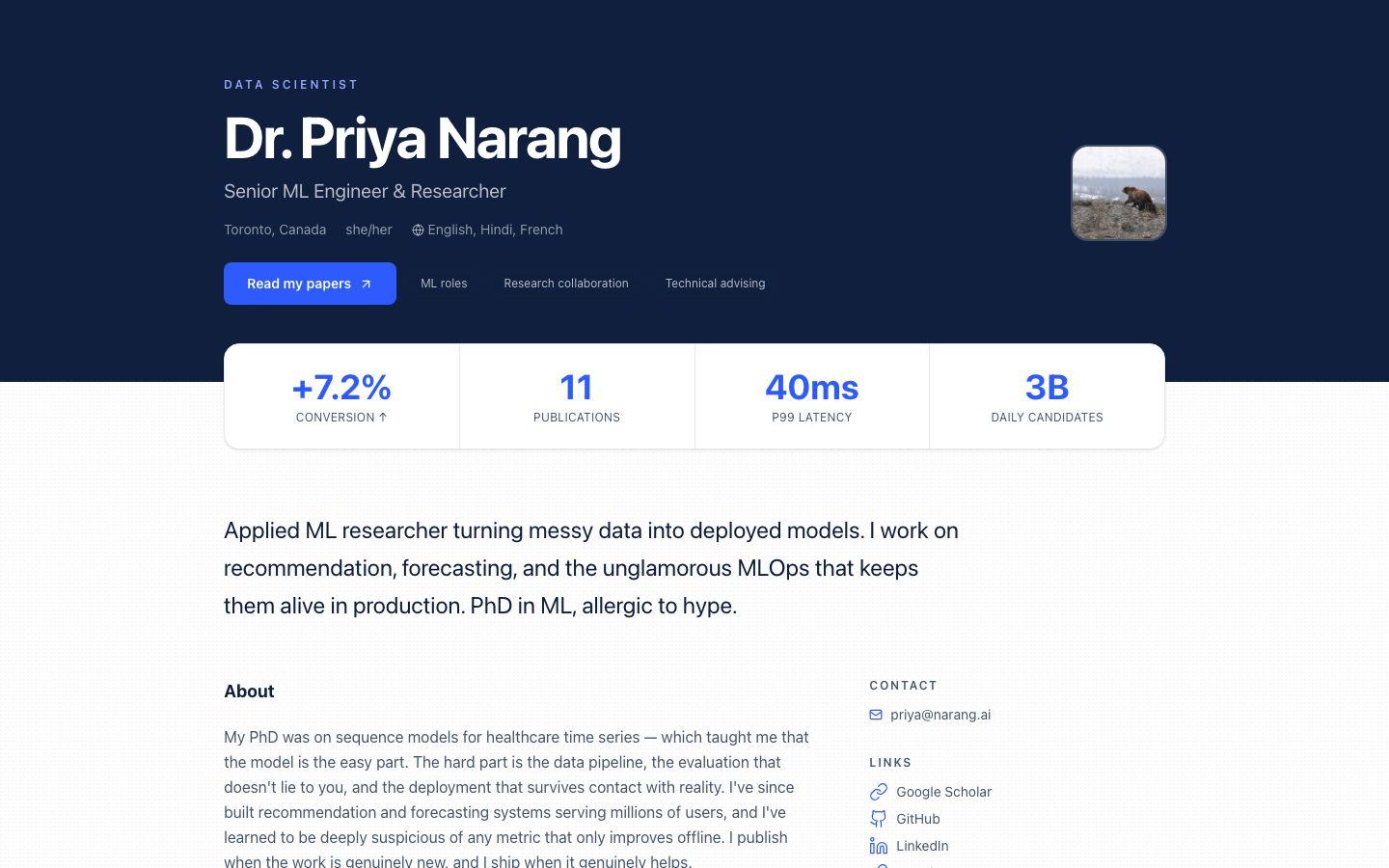
Online résumé vs PDF résumé
An online résumé is easier to share, update and find; a PDF résumé is what most application forms still expect. You do not have to choose: your profile shows the web version and holds the file for anyone who needs it.
| Feature | Online résumé | PDF résumé |
|---|---|---|
| How you share it | One link, anywhere a link is accepted | An attachment or an upload |
| Updating it | Edit once; everyone with the link sees the change | Make a new file and send it again |
| Room | Projects, links, images and video alongside your history | Usually one or two pages of text |
| Privacy | Choose public or private for each detail | Whatever is in the file goes to whoever has it |
| Application portals | Pasted into a website or portfolio field | Expected by most upload forms |
| Best for | Being found, shared and kept current | Formal applications that require a file |
What to include on your online résumé
Include a specific headline, your experience with results, your education, the skills you can prove, your certifications and a downloadable file. These are the fields of the Resume section, so nothing needs to be invented or formatted by hand.
- Headline
- The role you want plus your strongest qualifier, such as "Data analyst, SQL and Python, four years in retail".
- Experience
- Each role with its title, company, dates and one or two lines on what changed because you were there.
- Education
- Degree or qualification, institution and year.
- Skills
- The tools and methods you would be happy to be tested on, most relevant first.
- Certifications
- Title, issuer and year, with a link to the credential so it can be checked.
- A résumé file
- A PDF, DOC, DOCX or TXT file up to 10 MB that visitors can open from your profile, for forms that need a file.
How to write an experience entry
Start with what you did, add what it changed, and give a number where you have one. One or two lines per role is enough; the detail belongs in the interview.
Operations Analyst · Northwind Retail · 2022–2025
Rebuilt the weekly stock report in SQL and Python, cutting it from two days of spreadsheet work to a ten-minute scheduled job. Used it to find the overstocking that freed £180k of cash across 40 stores.
Weaker version: "Responsible for reporting and analysis." It says what the job was, not what you did with it.
How to create an online résumé for free
Sign up, claim a username, add your headline and summary, fill in the Resume section, choose what is public, then pick a theme and share the link. It takes a few minutes if you have your current résumé to hand.
Sign up and claim your username
Sign up with Google and claim a username. Your name is the clearest choice for a résumé: thedigitalprofile.com/yourname.
Write your headline and summary
Put your headline in the tagline and a three-sentence summary in your bio: what you do, what you are good at, and what you want next.
Fill in the Resume section
Switch on Resume and add your experience, education, skills and certifications. Upload your current résumé file at the bottom.
Choose what's public
Go through each field and decide what to show. Keep your phone number private and leave your home address off entirely.
Pick a theme and share the link
Ledger and Monograph suit a résumé. Then add the link to your LinkedIn, email signature and the website field of job applications.
Online résumé questions
Is an online résumé the same as an online CV?
Mostly, yes. In the US a résumé is a short summary of your work history and a CV is a longer academic record; in the UK and much of Europe, CV means both. An online résumé or online CV is a web page version of either.
Can recruiters download my résumé from my profile?
Yes, if you upload a file and leave it public. The Resume section accepts PDF, DOC, DOCX and TXT files up to 10 MB, and visitors open the file from a link on your profile.
Can I share my online résumé with only some people?
Not selectively. A published profile can be seen by anyone with the link. You can make individual fields private, switch the Resume section off, or unpublish the whole profile from dashboard settings.
What makes a good headline for an online résumé?
Your target role plus your strongest qualifier, in under ten words, such as "Data analyst, SQL and Python, four years in retail". It is the first line people read, so make it specific rather than a list of adjectives.
Should I still tailor my résumé for each job?
Yes. Keep your online résumé as the complete, current version of your record, and tailor the file you attach to each application. The profile link then gives a reviewer the full picture if they want it.
Your résumé, one link away.
Claim your username, paste in your experience and upload your file. It's free and you decide what's public.
Keep reading
- Developer portfolioWhat to put in a developer portfolio, a checklist, and how to publish one for free.
- Student portfolioA free portfolio for internships, jobs and applications, with ideas by field of study.
- Bio generatorA free tool that writes a short, medium and long professional bio from a few details.